


Photo Editing Software Top Picks
Last month we discussed creative ways to take professional product photos like a pro. But what comes after you have done your ultimate best to take the best shot? Photo editing software allows you to add that last touch of professionalism to your images. The industry is replete with editing software from in-depth software applications to easy-to-use, and on-the-go apps available for your smartphone.
Best Professional Photo Editing Software
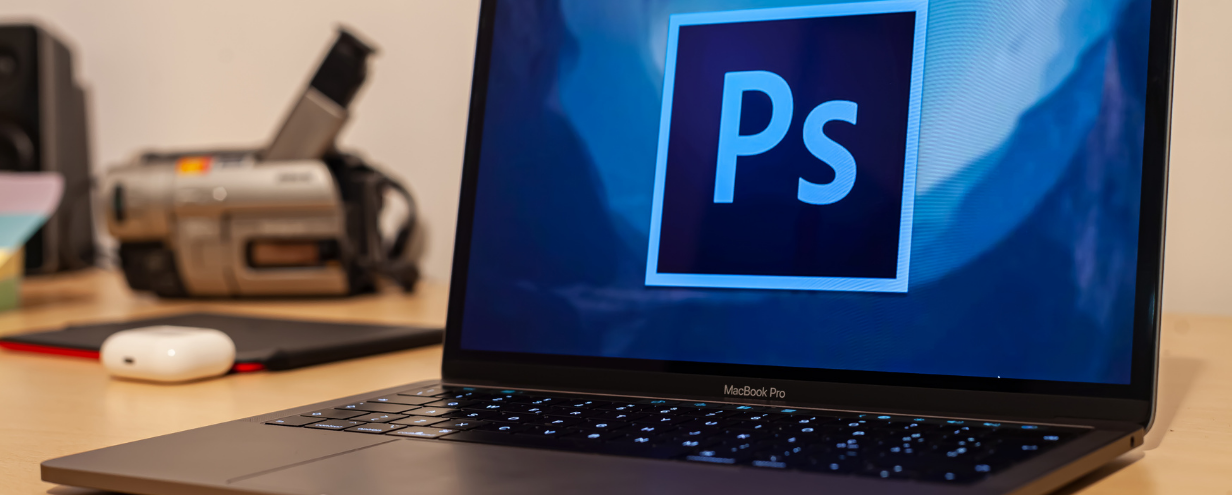
Professional software is used by people who actively work in the photography and content creation fields. This does not mean the software is difficult to use. There are hours of YouTube tutorials to help you become a pro. The Adobe suite favourite is the top choice here as the options and toolsets available are like no other. Adobe has dedicated over 34 years to perfect its top-selling product Photoshop.
Adobe Lightroom is like Photoshop’s little sister. Photoshop allows you to create images from scratch if you so wished, where Adobe lightroom stays true to photography. Adobe says “While Lightroom and Photoshop are both digital photography editing programmes with a lot of functional crossovers, they are designed to meet different needs and achieve different goals. On a high level, Lightroom is the best tool to manage and process the thousands of photos that live on your devices. Photoshop specialises in greater control to achieve more expansive edits that will help you to make a few images look flawless. Sometimes, it’s not a case of which tool to use, but when to use each or both in the post-production process”.
Best Smartphone Photo Editing Apps
Instagram is by far the most popular app to use. It quickly translates into an aspect of your digital marketing plan as well. You can easily snap photos on your smartphone (following our guide linked above), edit and share images that your customers can buy and order right away. It’s convenient, and if you invest time in how to use it successfully you will reap the benefits. Maintaining a visual culture for your brand is hard work – it takes time to become an “Insta-success”.
Picsart is a smartphone app that offers a wide variety of editing options. With more editing options than Instagram, you can create out-of-the-box content for images and video. In 2020 Picsart was one of the top 20 apps downloaded on smartphones. If you want to create content that pops, consider Picsart.
Best Free Photo Editing Applications
Gimp is by far the best free alternative editing software to Photoshop. GIMP (GNU Image Manipulation Program) is an open-source application that relies on a community of volunteer developers who maintain and improve the product. It has many of the professional toolsets and editing options that Photoshop has, but is after all the free version of photoshop. If you want to save a few Rands on a monthly subscription, switch to GIMP.
If you’re looking for something basic with many presets then you should consider PicMonkey. You can use this software for free, with the option of in-app purchase for more editing options. The interface is very easy to use with drag and drop options to make photo editing a breeze.